By quanyu lee
2025-08-21 09:14:25
A complete analysis of computer cables: types, applications and buying guide
Computer cables play an indispensable role in daily work and entertainment. Different cables perform different functions, including video transmission, audio output, network connectivity, peripheral data transmission, and power supply. Understanding common computer cable types and their application scenarios not only helps us choose the right cable but also improves the stability and user experience of our computer equipment.
1. Video transmission computer cable
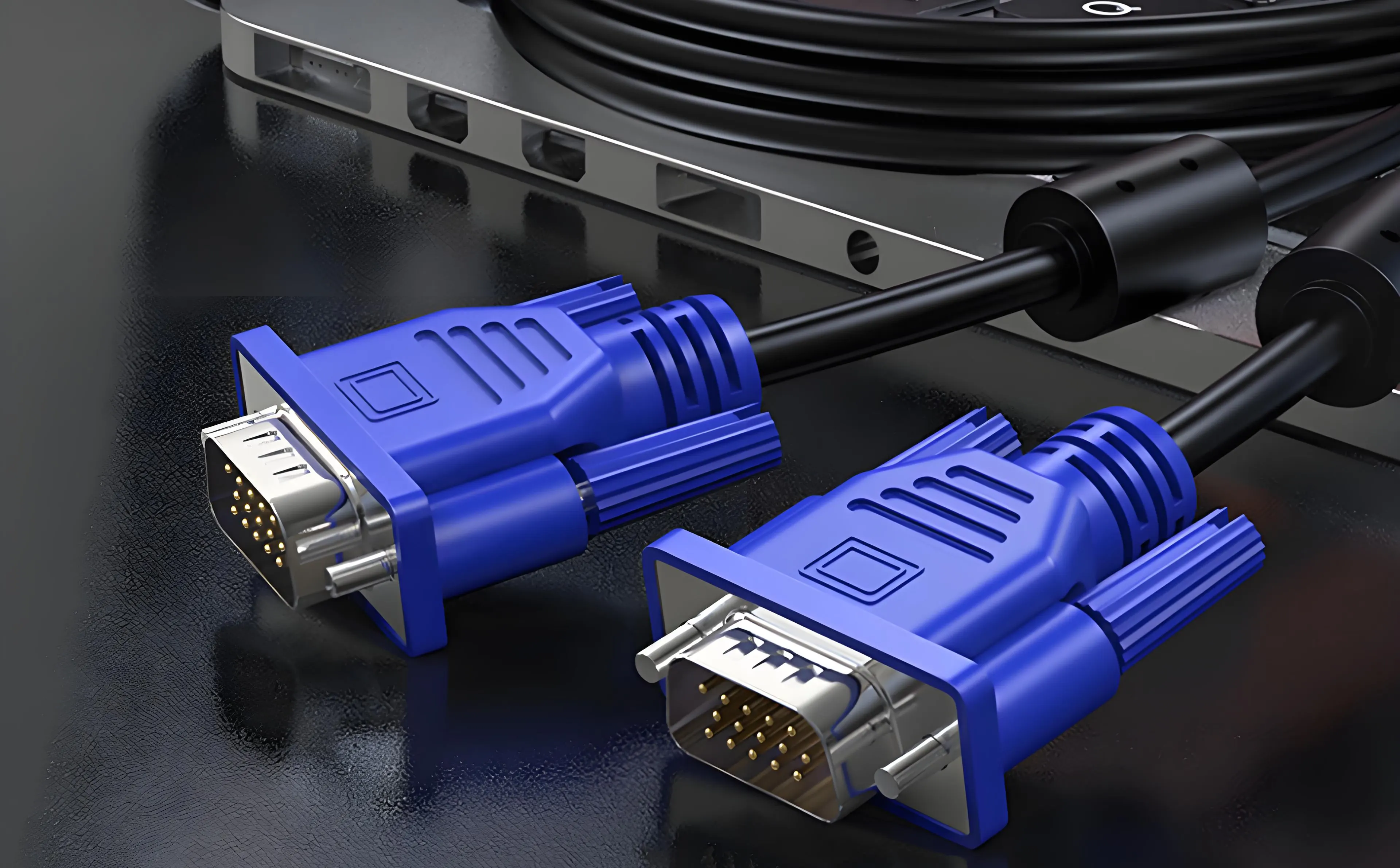
What is a VGA cable?
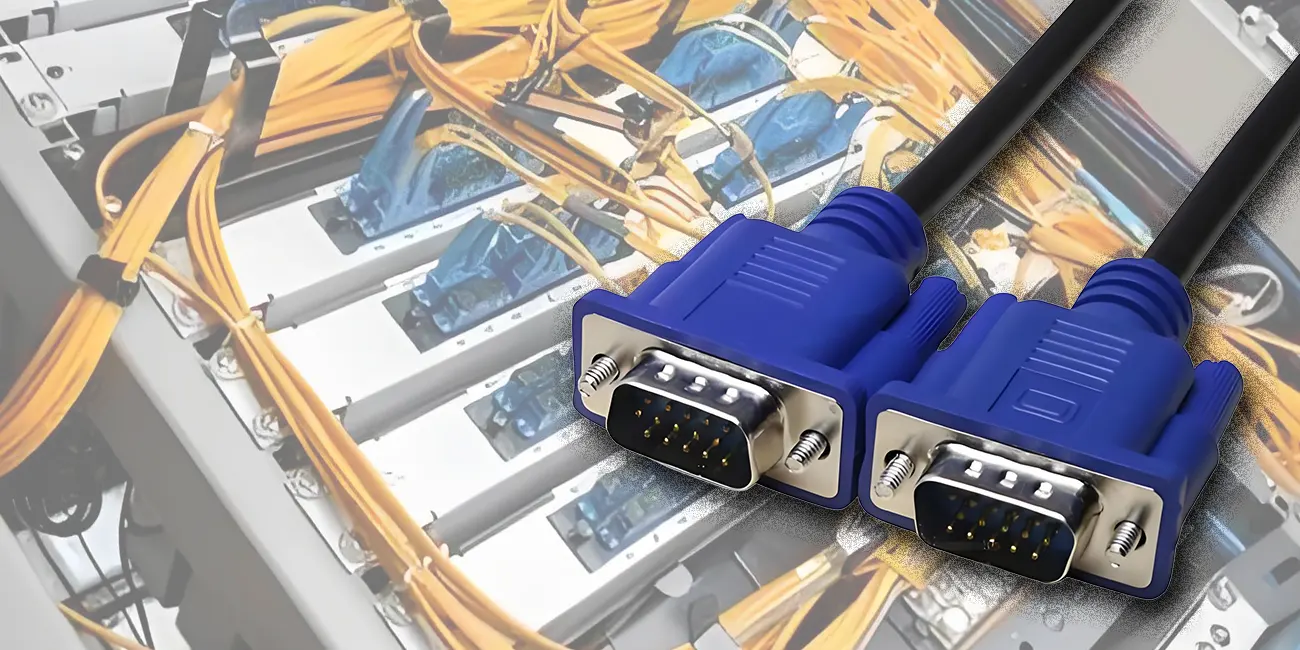
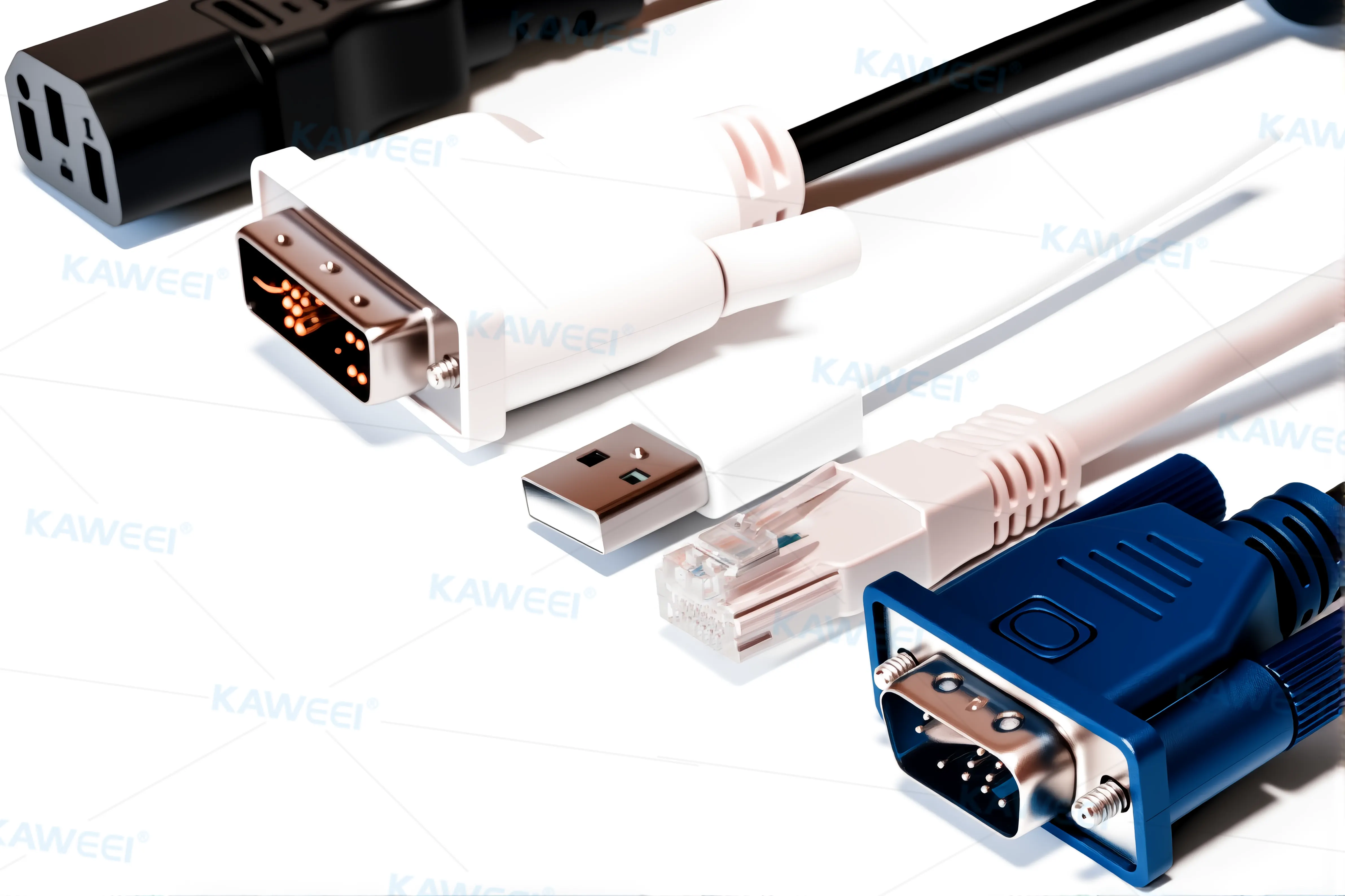
VGA is a classic computer cable that uses analog signal transmission and typically has a blue 15-pin connector.
- Applications: Commonly found in older monitors, projectors, and some industrial equipment.
- Current Status: Due to its limited support for low resolutions and image quality, it is gradually being phased out.
What is a DVI cable?
DVI is a transitional computer cable that transmits both digital and analog signals, offering clearer image quality than VGA..
- Applications: Widely used in older LCD monitors, graphics cards, and workstations.
- Advantages: Better suited for high-definition displays than VGA, but with fewer features than HDMI.
What is an HDMI cable?
HDMI is one of the most common computer cables today, capable of transmitting both high-definition audio and video signals.
- Application scenarios: Connecting computers to monitors, TVs, projectors, and home theater systems.
- Advantages: Supporting 4K/8K resolutions and capable of transmitting surround sound, it's the preferred choice for multimedia entertainment.
What is Thunderbolt 3 / USB-C?
Thunderbolt 3 / USB-C is a high-performance computer cable that integrates video, data, and power.
- Applications: Commonly used in high-end laptops (such as MacBooks), docking stations, and professional graphics workstations.
- Advantages: Supports multiple displays and boasts a maximum speed of 40Gbps, making it a promising future trend.
2. Input device computer connection cable
What is a PS/2 cable?
PS/2 is an early computer cable used for keyboards and mice, featuring a round connector.
- Applications: Still found on older office computers and server motherboards.
- Current Status: Due to the widespread adoption of USB, PS/2 has gradually faded from the market.
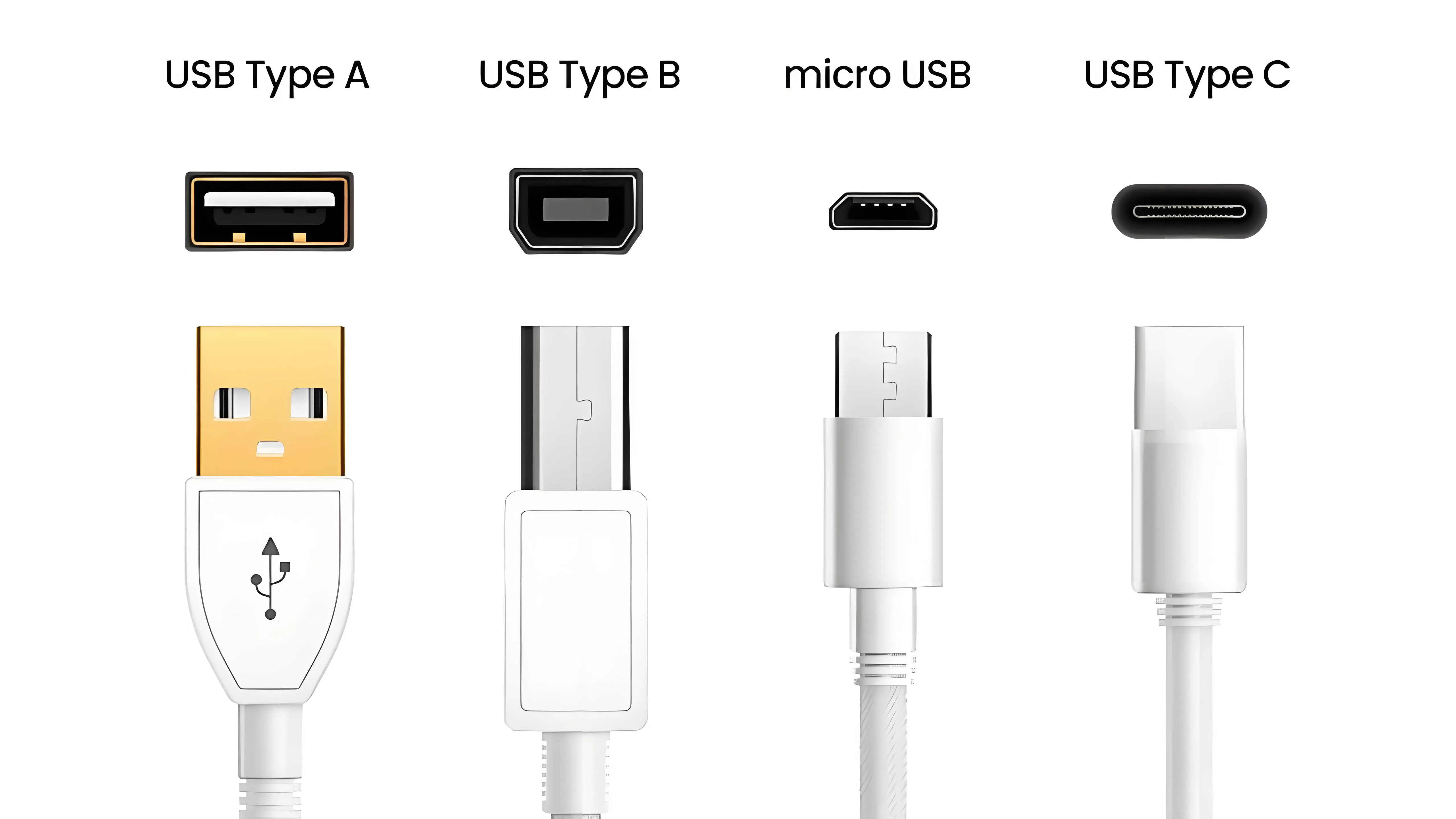
What is a USB cable?
USB is the most common computer cable, including USB-A, USB-B, and USB-C
- Applications: Connecting keyboards, mice, printers, external hard drives, USB flash drives, and charging mobile phones.
- Advantages: Plug and play, with continuously improving transfer speeds (USB 2.0 → USB 3.0 → USB 4).
3. Network and audio computer cables
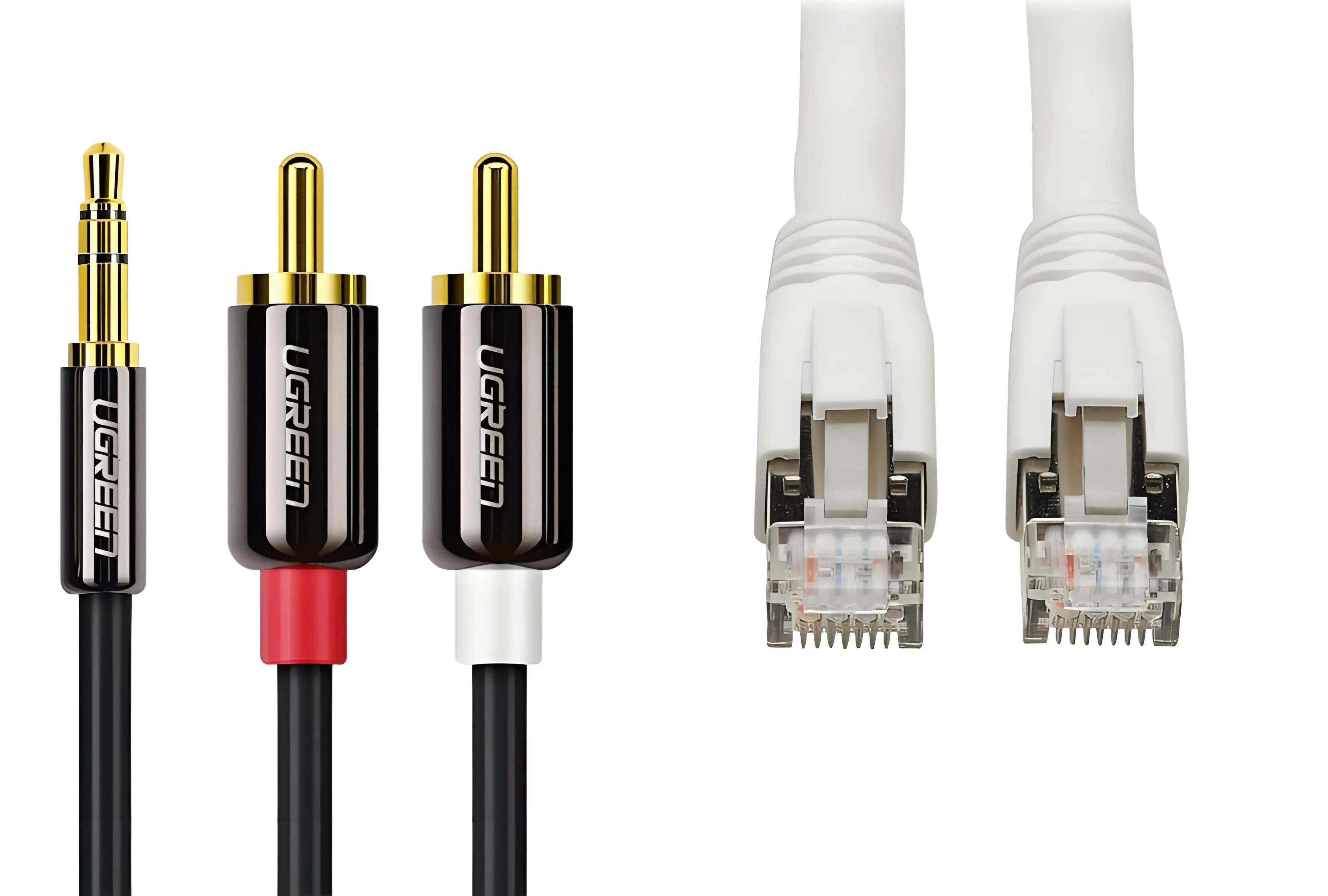
What is an Ethernet cable?
Ethernet cables are essential computer cables for network communication.
- Application scenarios: Connecting desktop computers to routers, corporate LANs, and connecting game consoles to wired networks.
- Advantages: Fast speeds and low latency make them particularly suitable for online gaming, HD video conferencing, and large file transfers.
What is a 3.5mm audio cable?
A 3.5mm audio cable is a common computer cable that transmits analog audio signals.
- Applications: Headphones, speakers, microphones, and desktop speakers.
- Advantages: High compatibility, supported by almost all computers and audio devices.
4. Power Cables
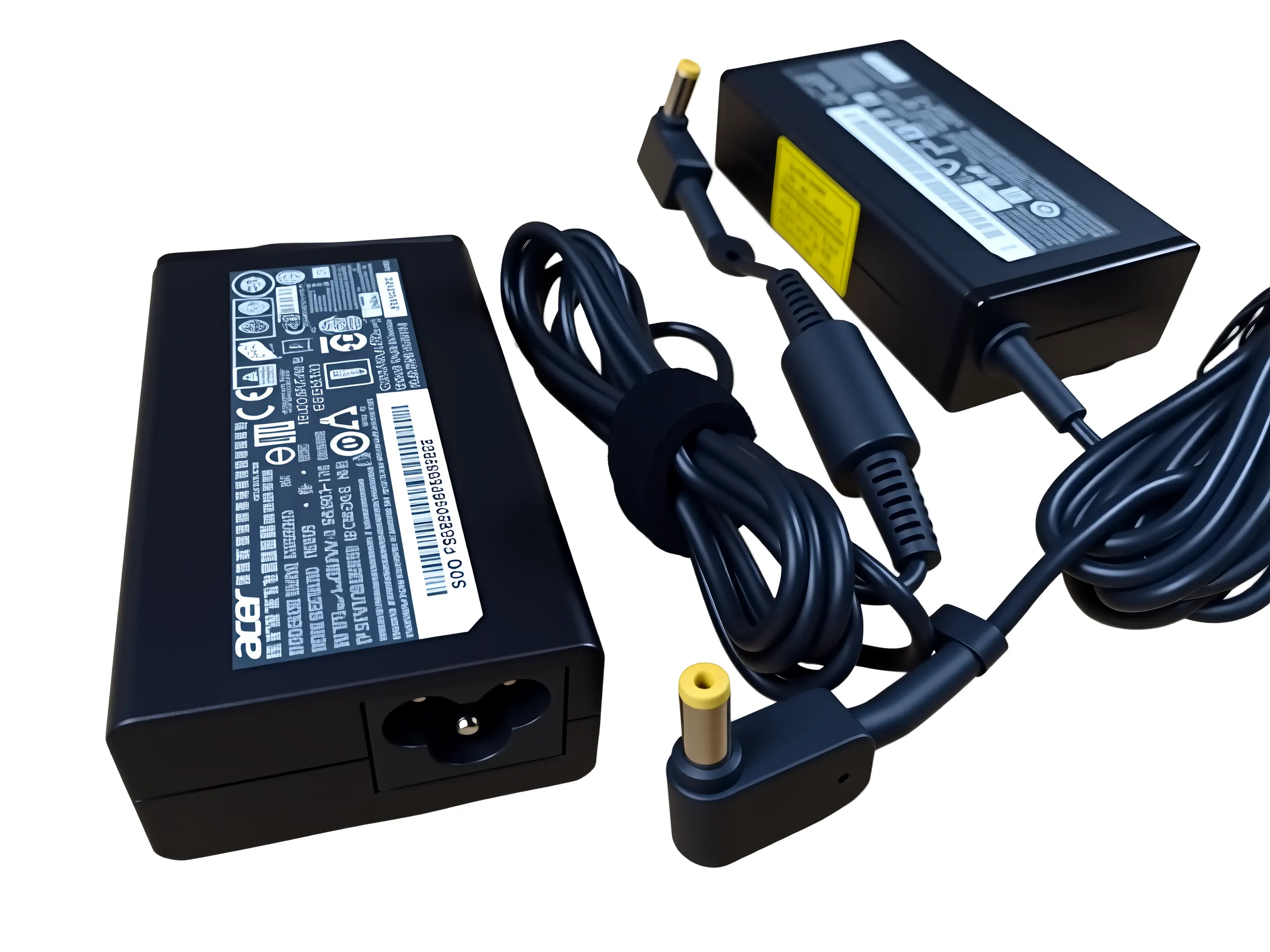
What is a Computer Power Cable?
A computer power cable is a cable that provides power to devices.
- Applications: Desktop computer power supplies, laptop adapters.
- Note: Ensure that you select a power cable that meets national safety standards to guarantee a stable power supply and personal safety.
5. Comparison table of computer cable types
To facilitate understanding, I have created a comparison table of computer cable connections.
| Wire name | Function | Application scenarios | Is it mainstream? |
| VGA cable | Analog video transmission | Old monitors, projectors, and industrial equipment | ❌ Deprecated |
| DVI cable | Digital/analog video transmission | Old LCD monitors, graphics cards, and workstations | ⬇️ Less commonly used |
| HDMI cable | Digital audio and video transmission | Computer connected to TV, monitor, projector, and home theater | ✅ Mainstream |
| Thunderbolt 3/USB-C | Video + data + power three-in-one | High-end notebooks, docking stations, and professional graphics workstations | ✅ New trends |
| PS/2 cable | Keyboard and mouse signal transmission | Old computers and some server motherboards | ❌ Elimination |
| USB cable | Peripheral data and power transmission | Keyboard, mouse, printer, USB flash drive, hard drive, and mobile phone charging | ✅ Mainstream |
| Ethernet cable | Wired network connection | Desktop computers, routers, corporate LANs, game consoles | ✅ Mainstream |
| 3.5mm audio cable | Analog audio signal transmission | Headphones, speakers, microphones, and desktop speakers | ✅ Mainstream |
| Computer power cord | Provide electricity | Desktop host, laptop adapter | ✅ Mainstream |
6. Frequently Asked Questions (FAQ)
1. Which is better, HDMI or DisplayPort?
Both computer cables can transmit high-definition audio and video. HDMI is better suited for TVs and projectors, while DisplayPort is better suited for high-performance monitors, especially in multi-screen and high-refresh rate scenarios.
2. Are USB-C and Thunderbolt 3 the same type of computer cable?
USB-C is a connector type, while Thunderbolt 3 is a high-speed protocol based on USB-C. While they look the same, Thunderbolt 3 offers more powerful performance, supporting faster transfer rates and more features.
3. Which computer cable offers the best image quality: VGA, DVI, or HDMI?
The order of image quality among these three is: VGA (analog) < DVI (digital/analog) < HDMI (digital high-definition). In modern applications, HDMI and DisplayPort are more suitable for high-resolution needs.
4. Which is more stable, Ethernet or Wi-Fi?
Ethernet cables offer faster speeds and lower latency for computer connections, making them ideal for gaming and video conferencing. Wi-Fi offers greater flexibility and is suitable for mobile devices.
5. Are computer power cables universal?
Most computer cables have standardized power connectors, but it's recommended to use original or certified power cables to ensure safety and stability.
6. Where can I get custom-made special computer cables?
If your project requires a non-standard connector, mass-produced, or high-performance computer cable, you can choose a professional manufacturer. For example, Kaweei Wire Harness Custom Factory specializes in the research, development, and production of computer cables and various types of wiring harnesses, meeting small-batch, diverse, and demanding connection needs.
7. Conclusion
Computer cables include those for video transmission (VGA, DVI, HDMI, USB-C/Thunderbolt 3), input devices (PS/2, USB), network and audio (Ethernet, 3.5mm audio cables), and power (computer power cables). Different cables have their own characteristics and application scenarios. Choosing the right computer cable not only improves device compatibility but also ensures stability and safety. For special needs, professional manufacturers like Kaweei Wire Harness Custom Factory can also provide customized solutions.